


Session Summary 
Building Connected Campaigns in HubSpot: Q1 2026 Product Updates Workshop
Transforming Campaigns into a Connected, CRM-Integrated Marketing Hub
Derek Owens, a Product Manager at HubSpot with seven years of tenure, led this hands-on workshop through five major product updates arriving as part of the Spring Spotlight 2026 release cycle. The session offered attendees an exclusive early look at features designed to resolve long-standing pain points in HubSpot's campaigns tool — from rigid one-to-one asset associations and manual CRM attribution to the absence of multi-campaign reporting. Nearly all of the features demonstrated were already live or in public beta at the time of the workshop, meaning attendees could begin using them immediately in their own portals.
The overarching theme was making the campaign object a first-class citizen within HubSpot's data model: richer CRM associations, flexible reporting hierarchies, smarter automation triggers, and a forward-looking AI integration that brings campaign intelligence directly into tools like Claude and ChatGPT. Owens framed Q1 as a deliberate investment in fixing foundational issues so that the rest of 2026 can focus on innovation — particularly AI-first marketing capabilities that let practitioners analyse performance, identify trends, and eventually create content without leaving their preferred tools.
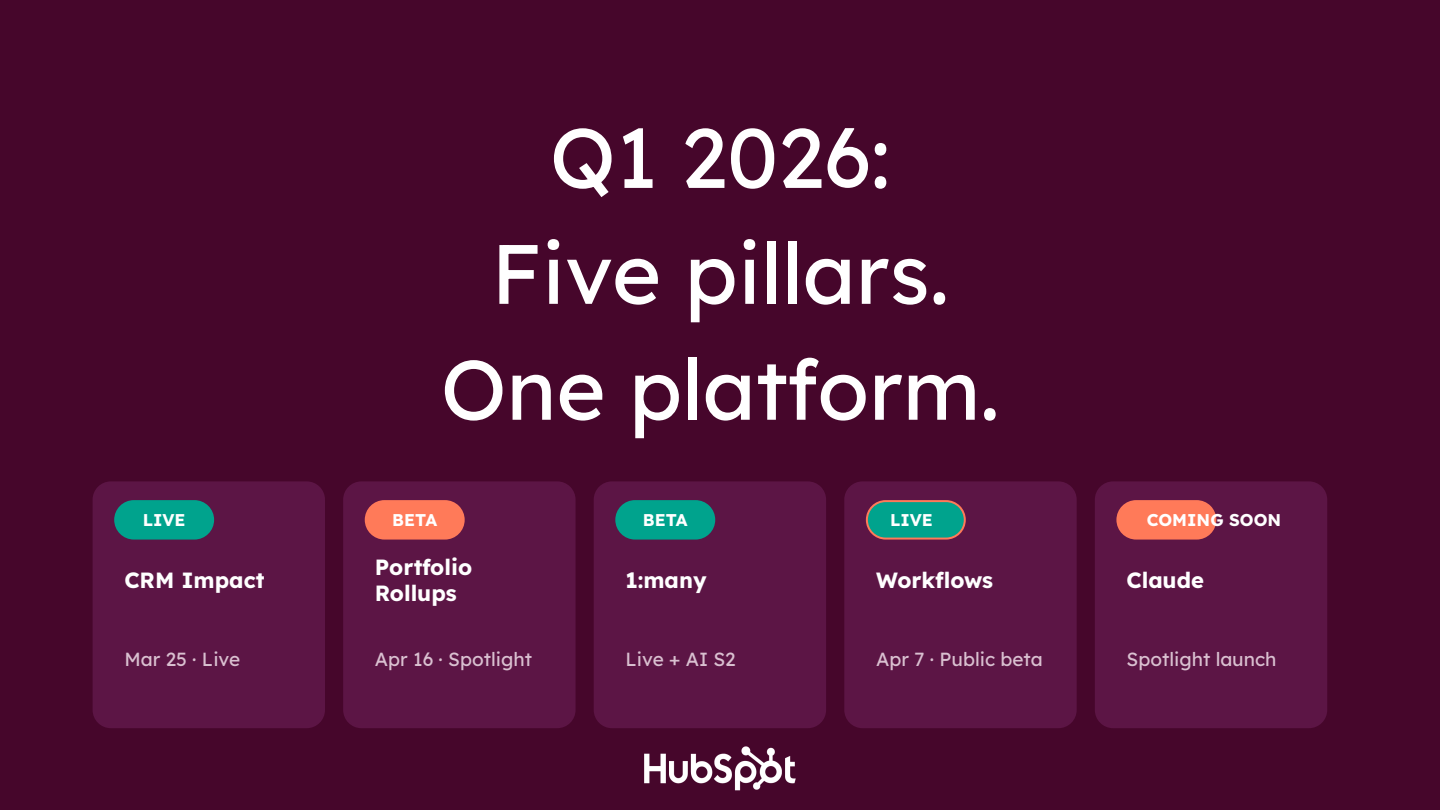
Session Agenda at a Glance
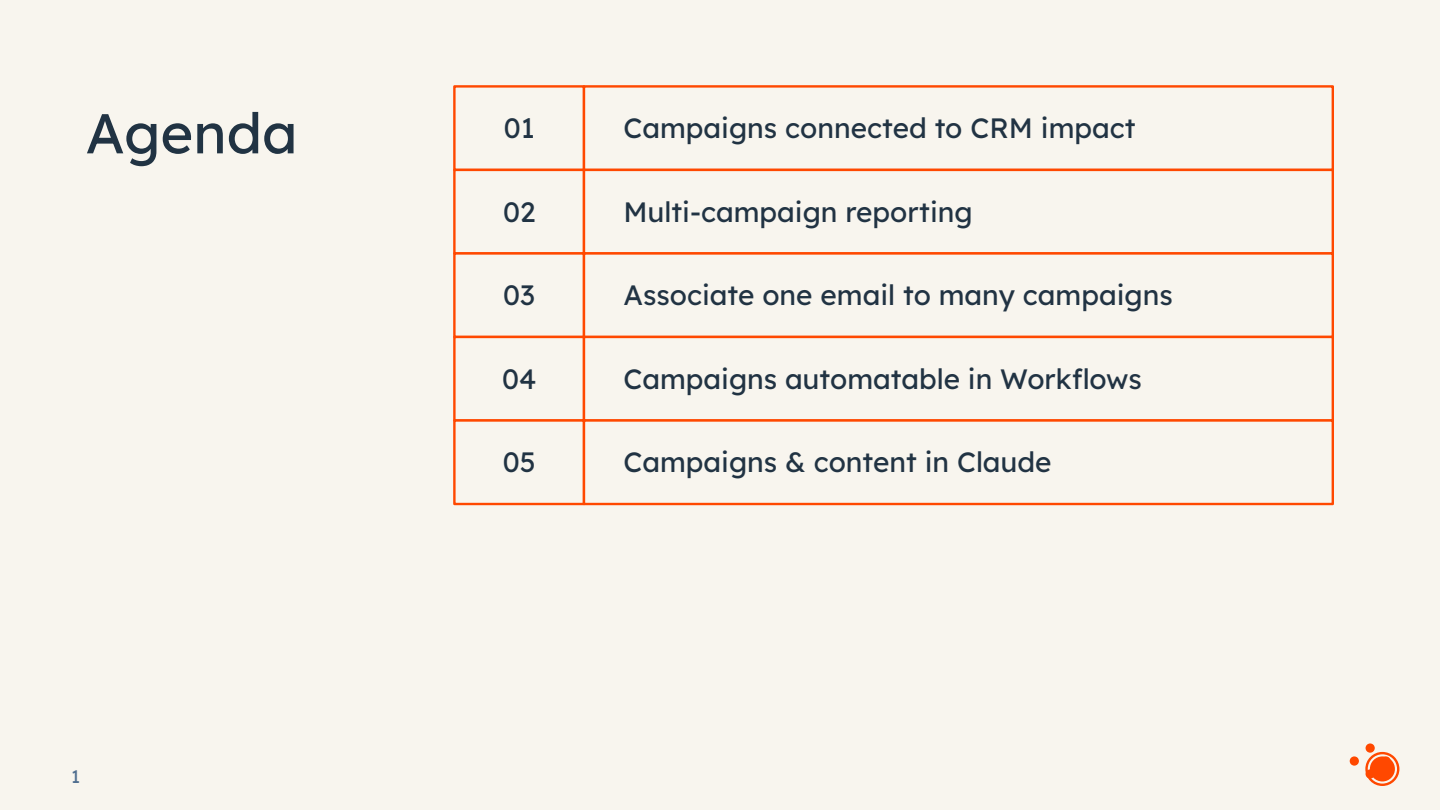
The workshop was structured around five discrete product pillars, each receiving a live demo and audience Q&A. Owens encouraged attendees to opt into betas during the session itself, walking them through the Product Updates page in HubSpot where each feature can be enabled.
- CRM Impact — Direct association of contacts, deals, tickets, and custom objects to campaigns.
- Multi-Campaign Reporting — Folder-based hierarchies and aggregated performance analytics.
- 1:Many Asset Associations — Associate a single marketing e-mail to multiple campaigns.
- Workflow Automation — Campaign-based enrolment triggers, influenced-contact triggers, and Breeze Assistant support.
- Claude / AI Integration — MCP server connector bringing campaign and content data into Claude and, soon, ChatGPT.
Campaigns Connected to CRM Impact
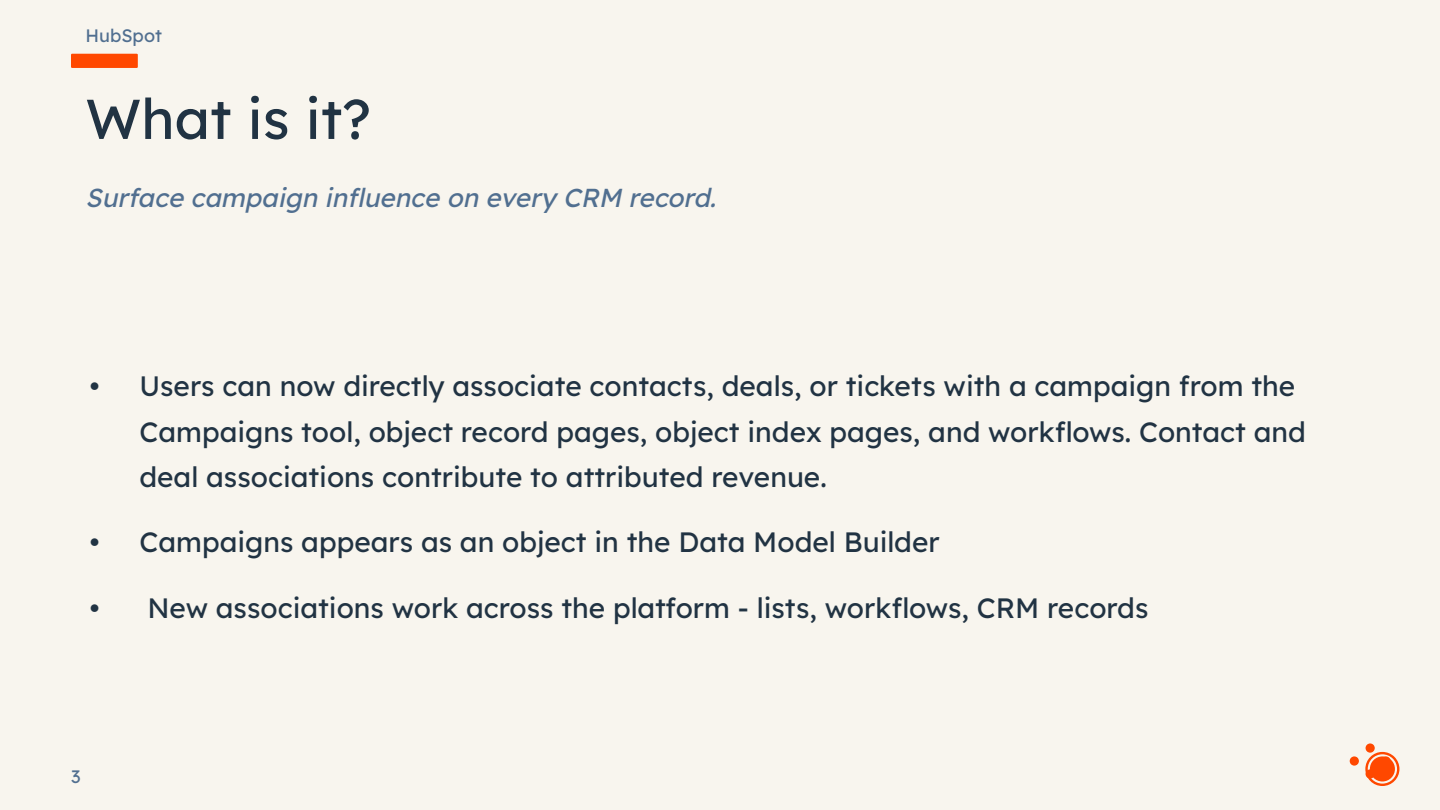
The first and most substantial update addresses a fundamental attribution gap. Previously, offline marketing activities — trade shows, meetings, events — could only be linked to campaigns through cumbersome workarounds such as creating static lists and associating those lists to mark contacts as influenced. The new CRM associations feature lets users directly associate contacts, deals, tickets, and custom objects to any campaign, eliminating the need for throwaway lists and awkward workflow hacks.
How It Works in Practice
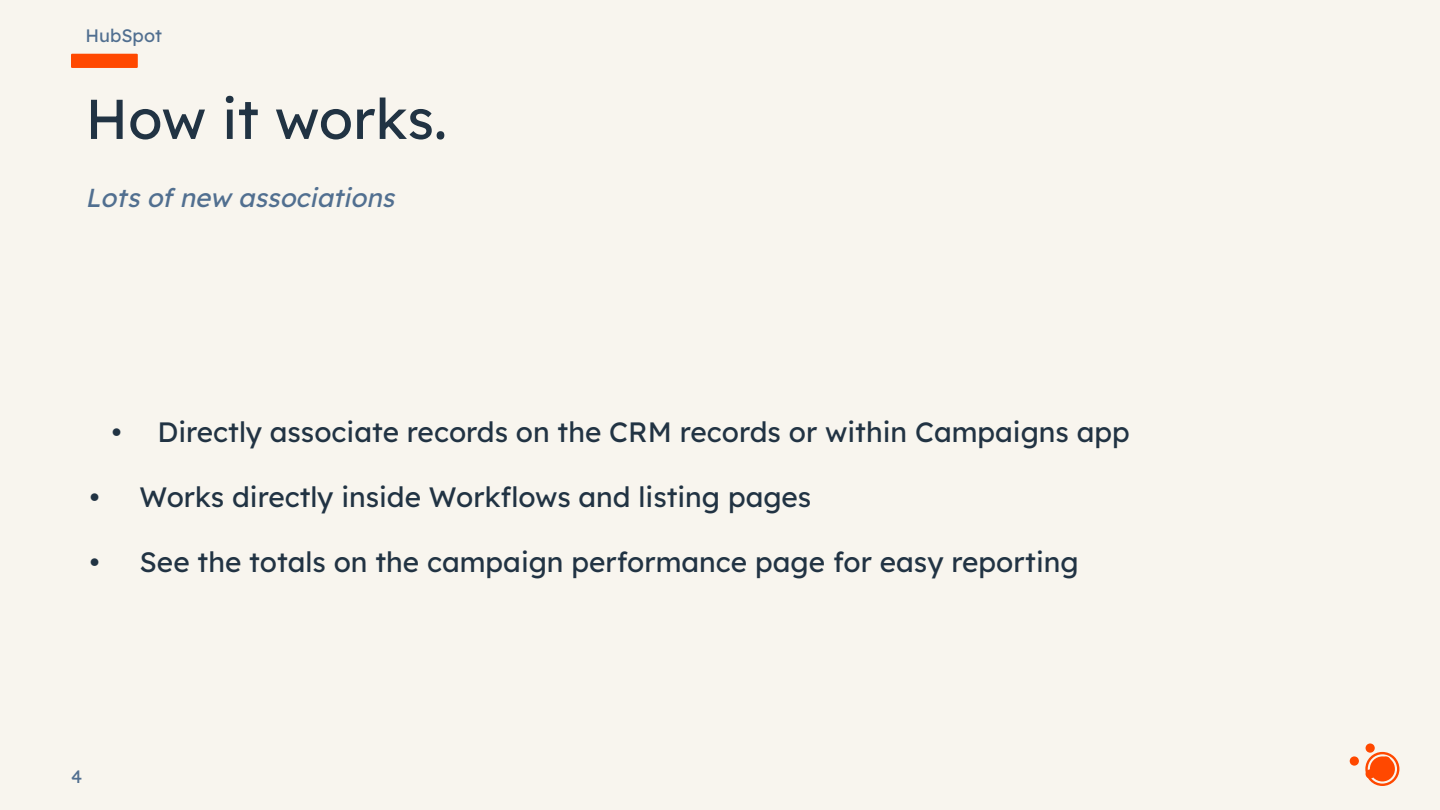
A new Campaigns card now appears on contact, deal, and ticket records in the CRM sidebar. Users can click the add icon, search for a campaign, optionally set an influence type label, and save the association. The same action is available from within the Campaigns tool itself via a new CRM tab showing associated contacts, deals, and tickets. All associations are immediately reflected on the campaign's performance tab.
- Associations work bidirectionally — from the CRM record or from inside the campaign.
- Existing influenced contacts from past campaigns automatically surface on the new card.
- Custom objects are supported through a separate beta; any custom object can be linked to campaigns via the Object Builder.
- Association labels are fully supported, mirroring the labelling system used elsewhere in HubSpot (e.g. contacts to companies).
- Bulk association is available from the contact listing page using the new Add to Campaign action, and via workflow actions for static lists.
Custom Objects and the Data Model Builder
For businesses with bespoke data models — rental records, project objects, or any other custom entity — the campaigns association now extends seamlessly. Within the Object Builder, campaigns appear as a supported association target. Users can configure new associations between any custom object and campaigns, apply labels, and manage it all from a single interface.
- Custom object associations launched as a separate beta from contacts/deals/tickets.
- Campaigns now appears natively in the Object Builder alongside all other standard associations.
- Both betas are accessible via the Product Updates page in HubSpot settings.
Rollout Timeline for CRM Associations
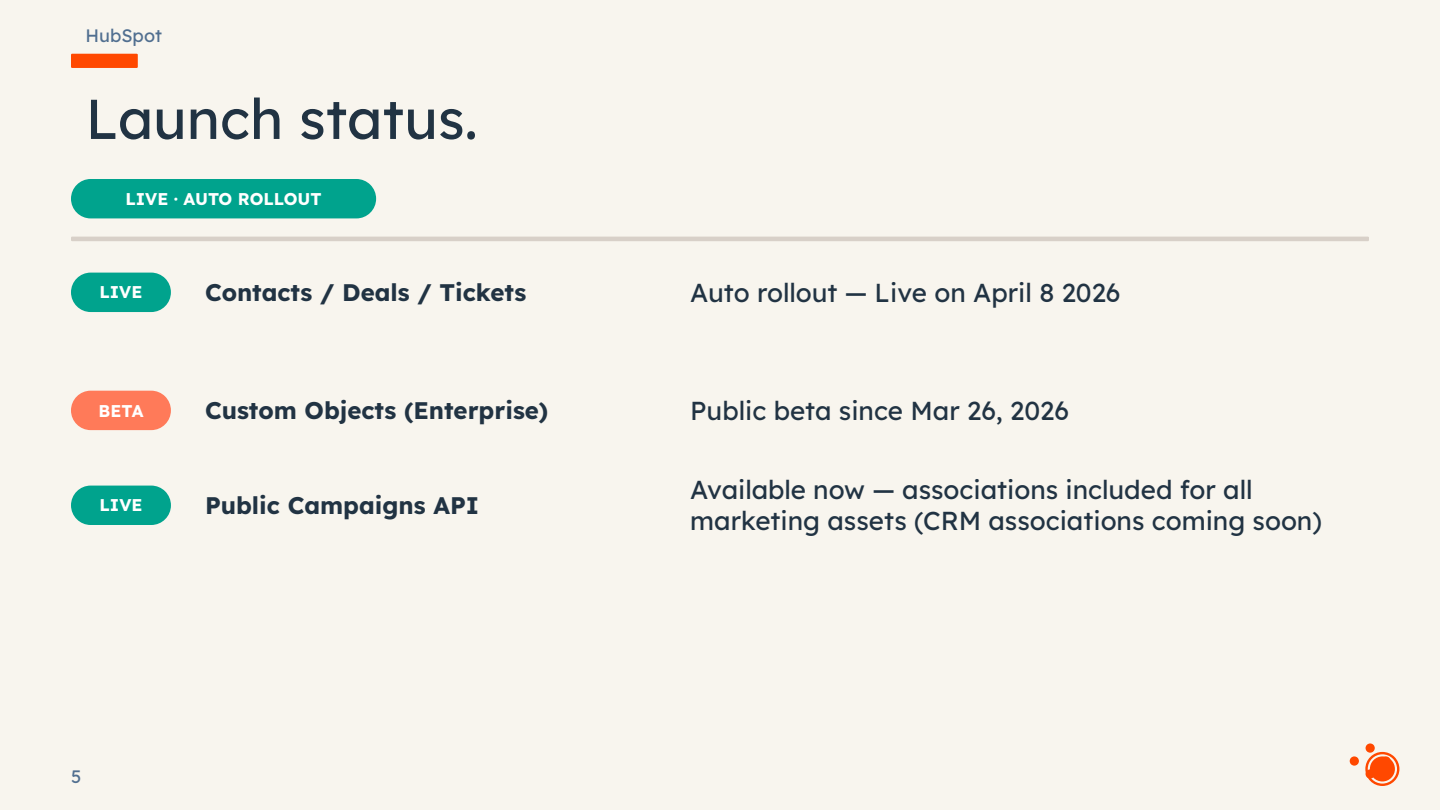
The contacts, deals, and tickets beta is being rolled out automatically across portals and will be live by 8 April 2026. Custom object associations are a separate opt-in beta. Owens noted that campaign import support (e.g. importing deals and associating them to campaigns via CSV) is not yet available but has been flagged to the product team as a gap worth closing.
- Contacts, Deals & Tickets — Public beta, auto-rolling to all portals by 8 April 2026.
- Custom Objects — Separate public beta, opt-in via Product Updates page.
- Automatic cascading associations (e.g. deal auto-associating when its contact is associated) — under exploration, not yet live.
Multi-Campaign Reporting
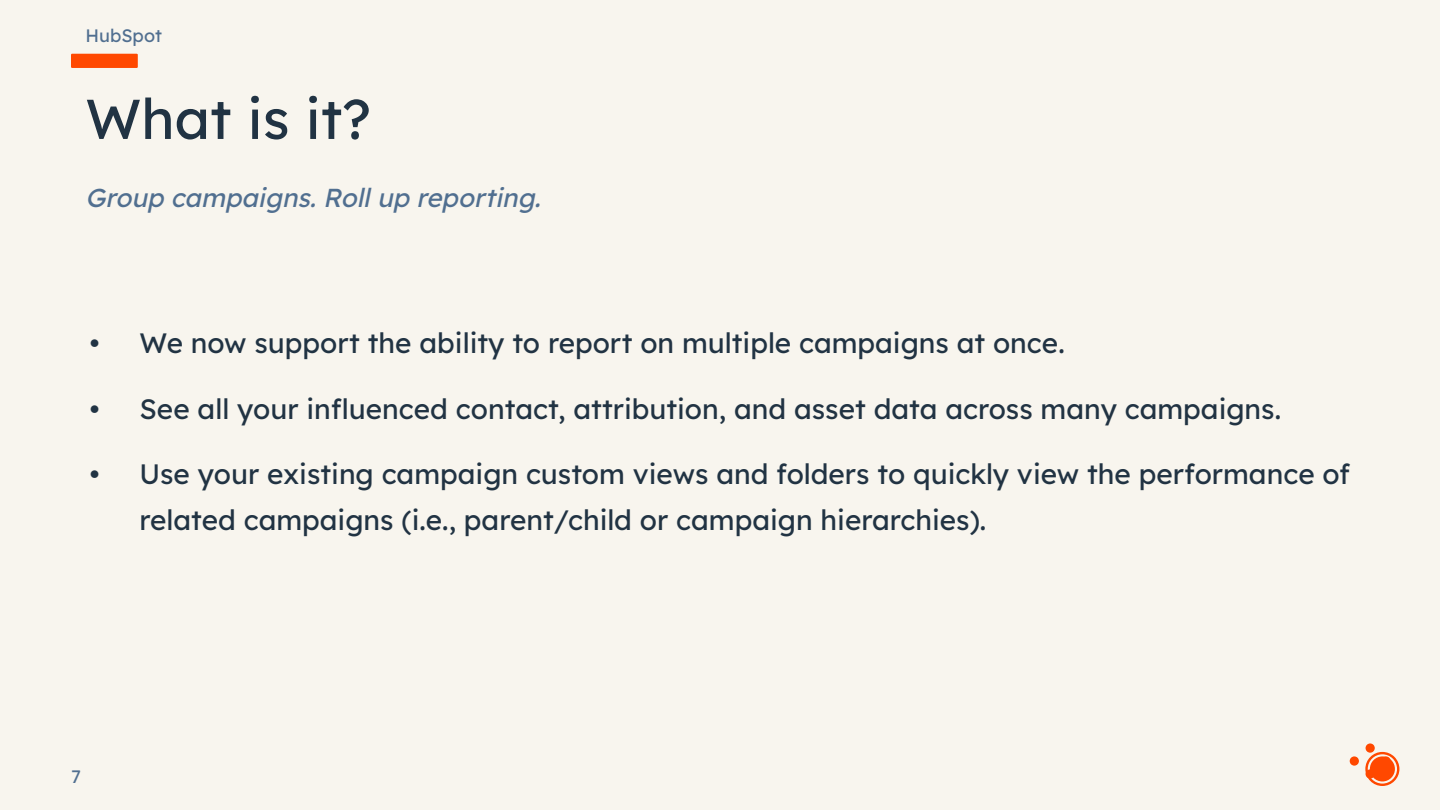
One of the most requested features in HubSpot's campaigns history, multi-campaign reporting entered public beta the day before this workshop. Until now, viewing aggregated metrics across related campaigns required custom dashboards or spreadsheet exports. The new feature introduces folder-based campaign hierarchies — referred to as campaign roll-ups — that allow users to group campaigns by region, product line, quarter, or any other taxonomy, and then view rolled-up metrics in a single analyse view.
Folder Hierarchies and the Analyse Tab
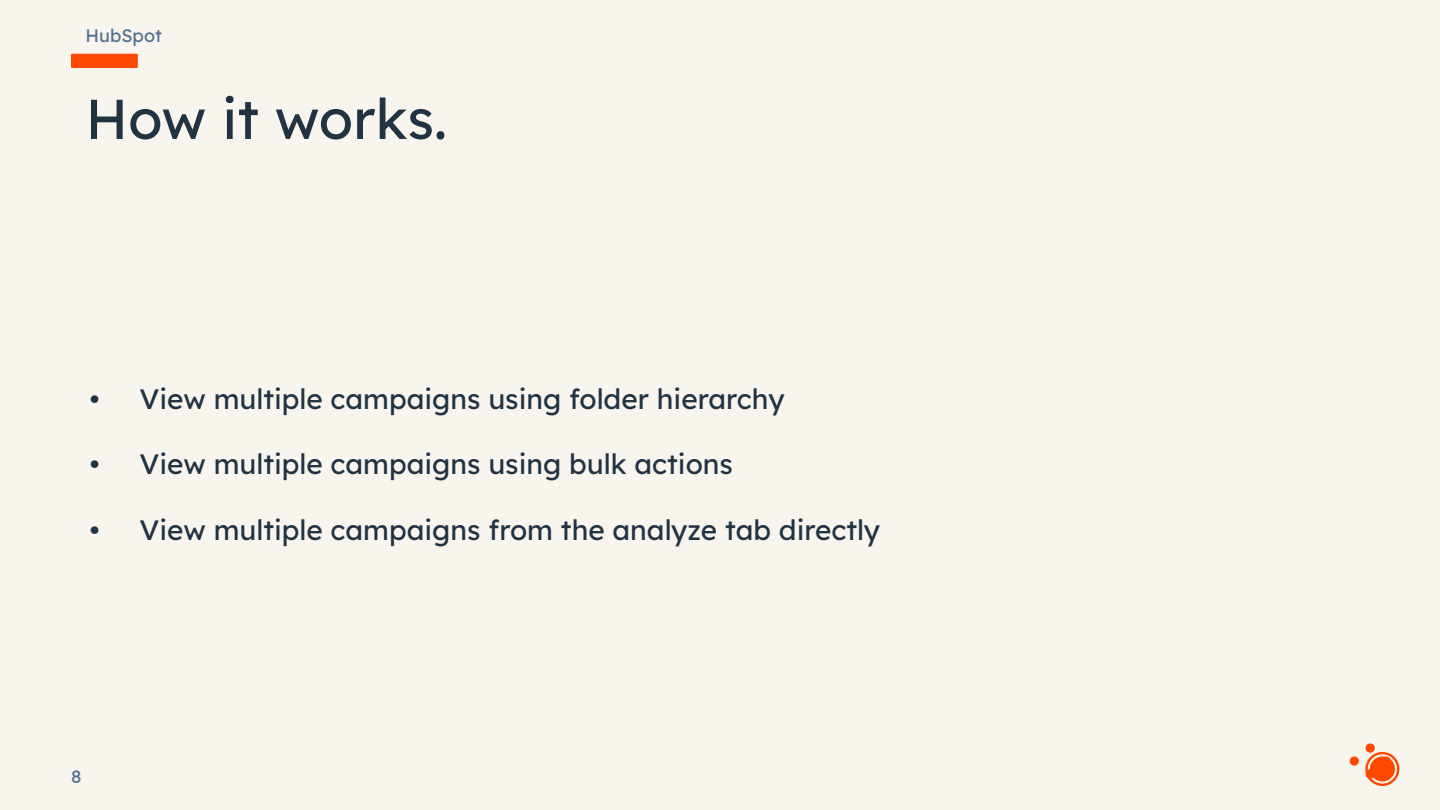
Users create folders directly on the Campaigns manage page. Campaigns can be selected in bulk and moved into a folder, after which a new Analyse folder campaigns option aggregates all performance data — influenced contacts, attribution, asset performance, revenue — into a single unified view. Date ranges, attribution models, and campaign selections can all be adjusted on the fly.
- Folders act as parent containers; campaigns within a folder can be analysed together with one click.
- A quick Analyse campaigns action is also available from the manage page when selecting individual campaigns without folders.
- Currently, a campaign can only reside in one folder at a time. The suggested workaround for cross-folder reporting is to clone the campaign.
- The feature is available via the Product Updates page under Multi Campaign Reporting.
Using Multi-Campaign Reporting Effectively
The analyse tab surfaces influenced contacts, new contacts generated, attribution data, and asset-level performance across the selected campaign group. Users can customise which campaigns are included, change attribution windows, and adjust date ranges — all without leaving the page.
- Ideal for quarterly business reviews, regional performance comparisons, and product-line roll-ups.
- Eliminates the need to export campaign data to spreadsheets for cross-campaign analysis.
- Public beta launched 2 April 2026.
One-to-Many Asset Associations (Marketing E-mail)
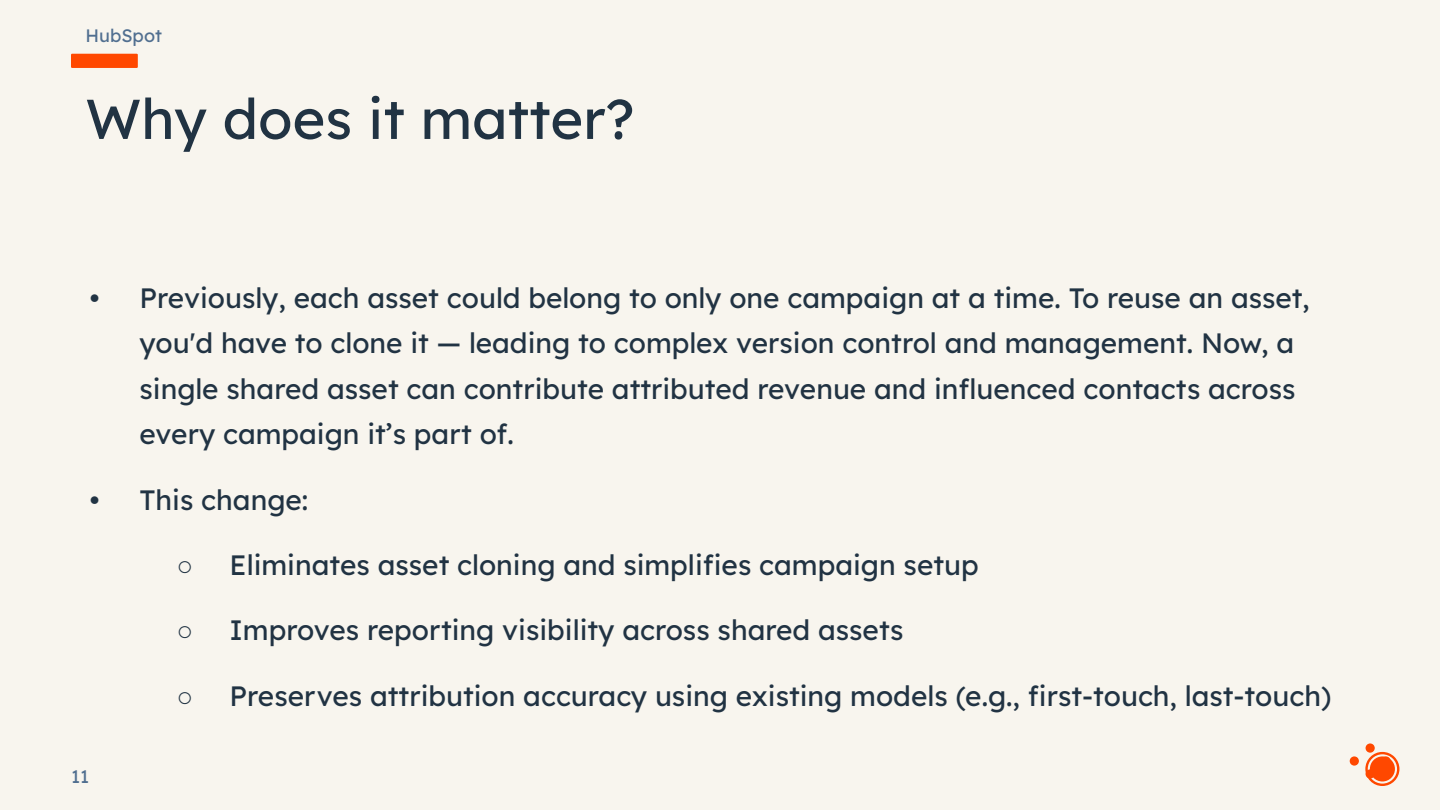
A persistent frustration for HubSpot marketers has been the one-to-one constraint between marketing e-mails and campaigns. If a single e-mail served multiple campaign audiences, users had to clone it — cluttering the portal and fragmenting attribution. As of the workshop date, this constraint has been removed for marketing e-mails: a single e-mail can now be associated with multiple campaigns simultaneously.
- From the e-mail manage page, select the Marketing Campaign field and choose multiple campaigns — previously blocked after the first selection.
- The e-mail will appear inside each associated campaign's asset list and its metrics will be reflected in all linked campaigns.
- The 1:many capability is currently live only for marketing e-mails. Other asset types (forms, landing pages, CTAs, etc.) remain 1:1 for now; work on extending this to the most popular asset types is planned for Q2 2026.
- Sequences can be associated to campaigns (under the Automation category), but sales templates do not currently have campaign association support.
Campaigns Automatable in Workflows
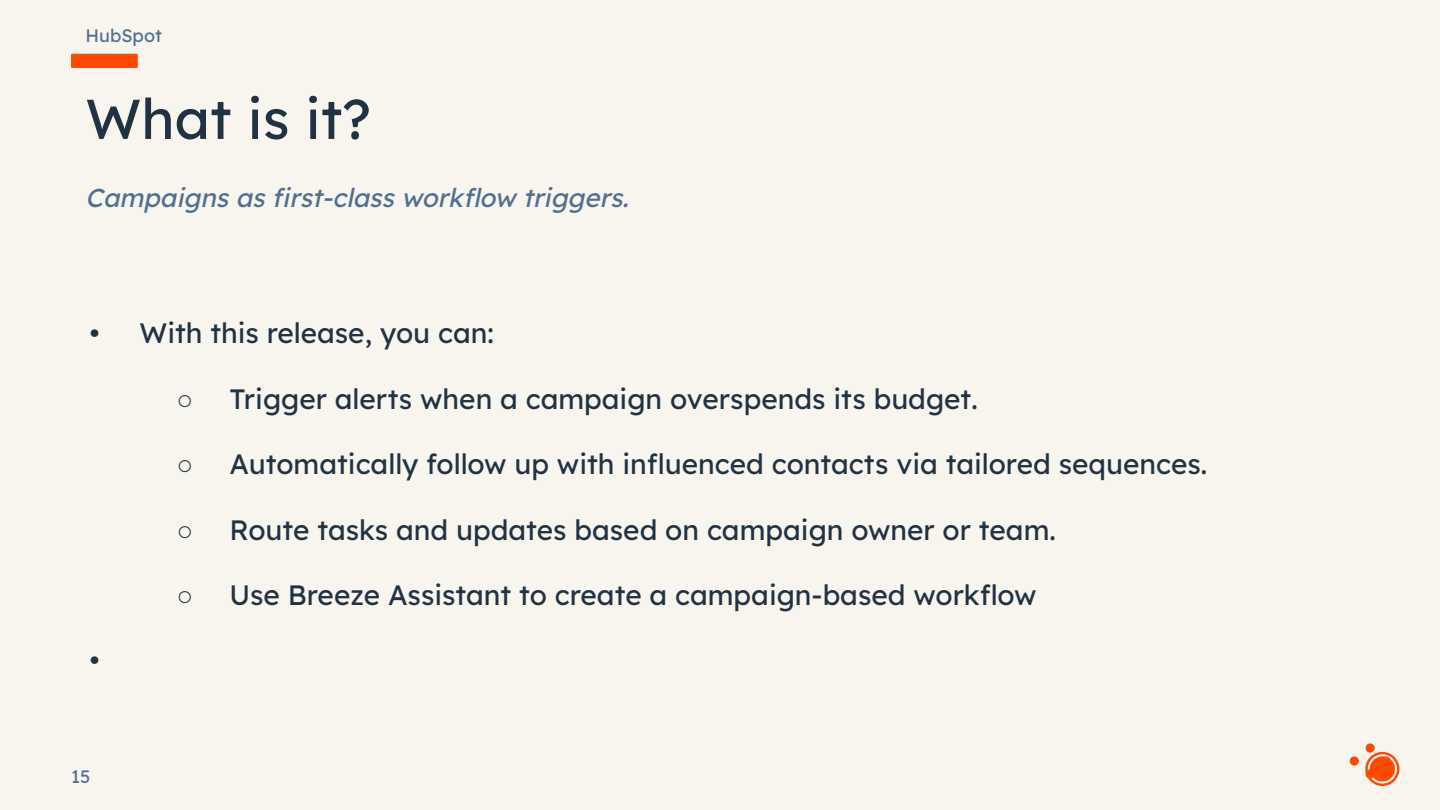
Campaign automation support is now generally available (GA), making campaigns a first-class object within HubSpot's workflow engine. This update introduces two powerful new capabilities: the ability to enrol campaign records directly into workflows, and a new campaign influence enrolment trigger for contact-based workflows.
Campaign-Based Workflow Enrolment
When creating a new workflow, users can now select Campaign criteria as the enrolment basis. Any campaign property — budget, status, start date, type — can serve as a trigger. This unlocks use cases such as alerting a team when a campaign exceeds its budget, triggering launch-day automations when a campaign start date arrives, or sending notifications when a campaign's status changes.
- Available under Automation → Workflows → New workflow → Campaign criteria.
- All standard workflow actions (send task, notification, delay, branch, etc.) are available for campaign-based workflows.
- Breeze Assistant can be used to build campaign-based workflows conversationally.
Influenced Contact Trigger and Association-Based Workflows
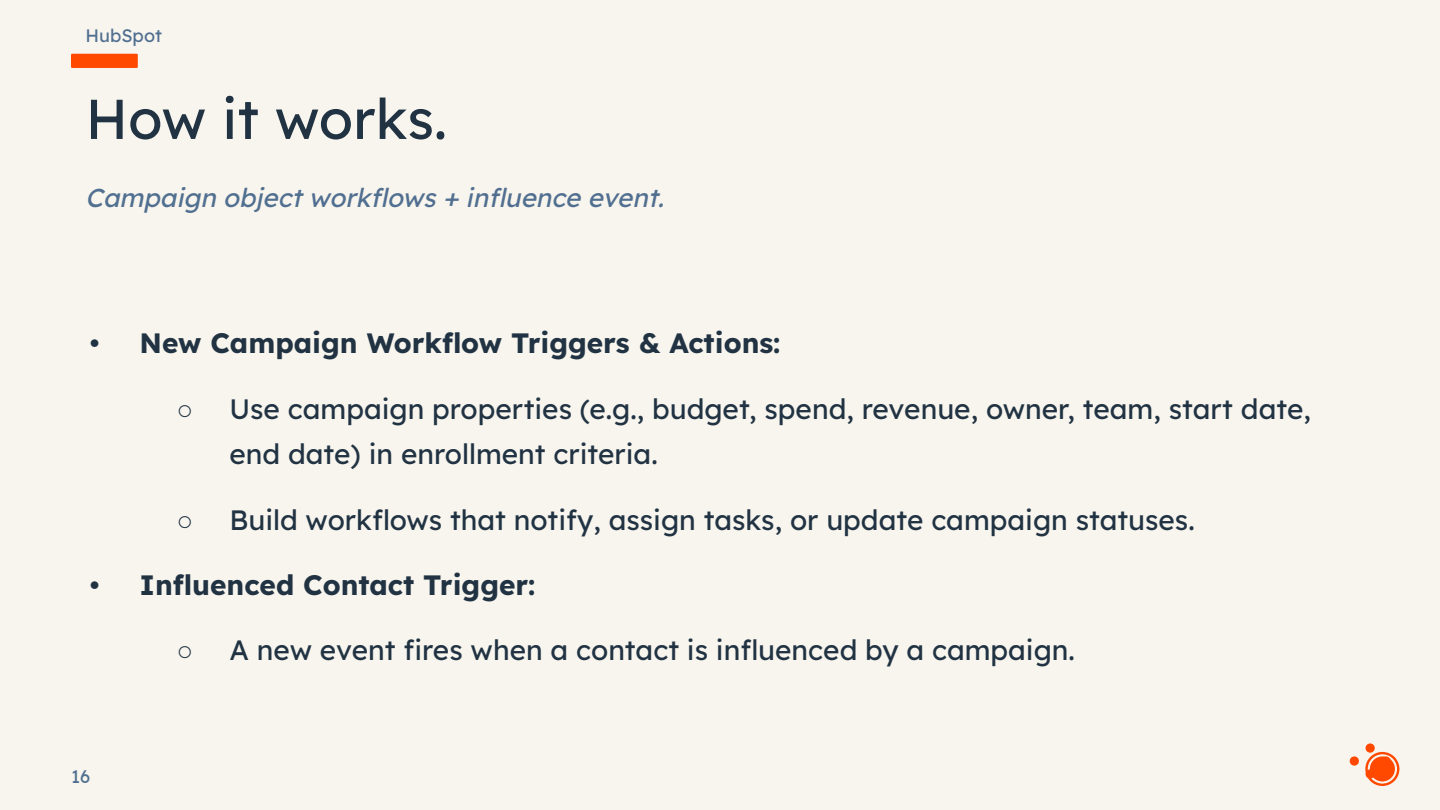
Within contact-based workflows, a new Marketing campaigns → Campaign influence trigger fires whenever a contact is marked as influenced by a campaign. Users can scope this to specific campaigns, enabling targeted follow-up sequences, e-mail sends, or task creation the moment a contact engages with a particular campaign effort.
- Navigate to Contact workflow → Add criteria → Marketing campaigns → Campaign influence.
- Can be filtered to specific campaigns or applied broadly across all campaigns.
- Association-based triggers also allow contact or deal workflows to reference campaign properties — e.g. enrol all contacts associated to a Q2 event-type campaign.
- Campaign-based lists are now supported in the Lists tool, enabling segmentation by campaign properties, custom properties, and associations.
AI Integration: Accessing Campaign Data in Claude via MCP
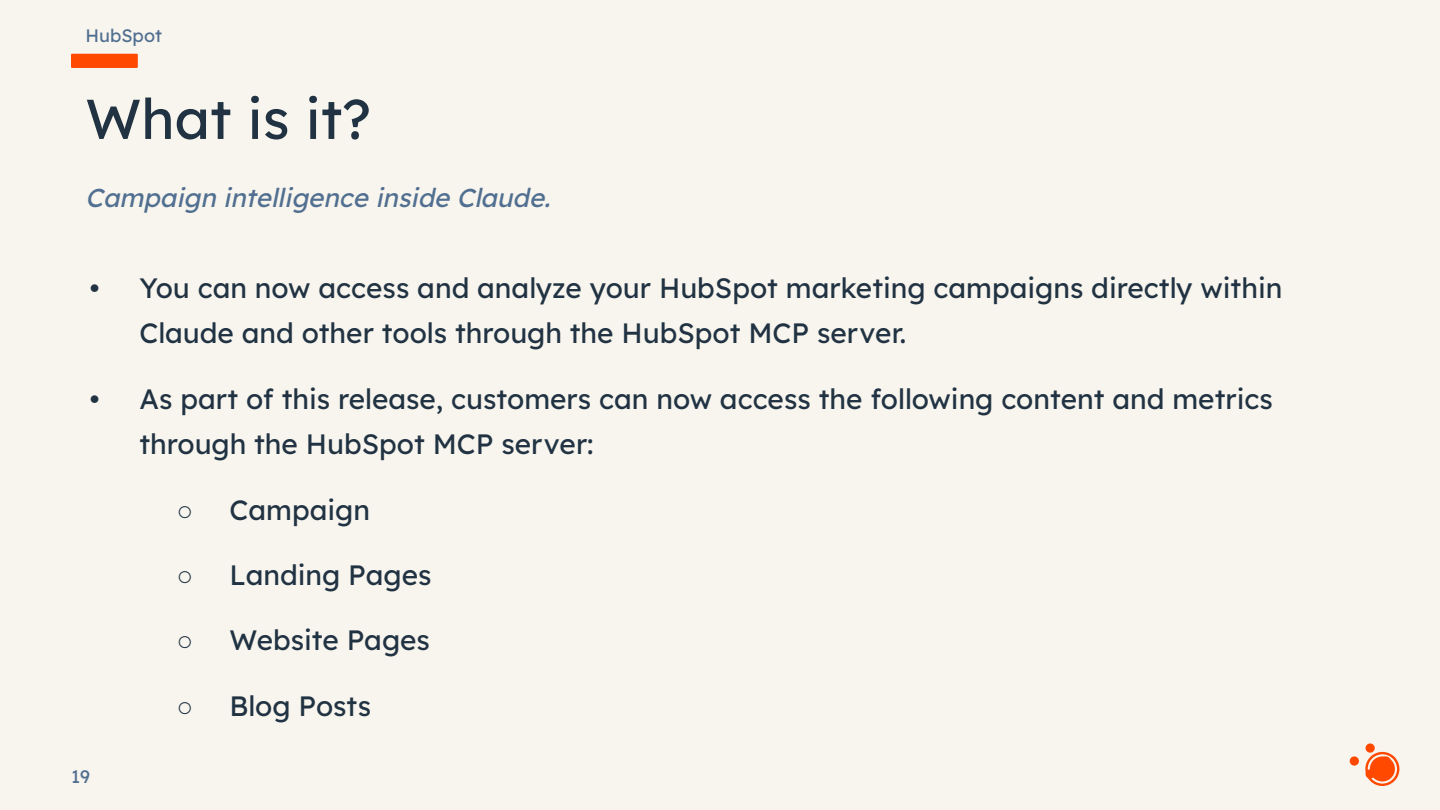
The final and most forward-looking feature is the integration of HubSpot marketing data with external AI tools through the Model Context Protocol (MCP) server. While the core HubSpot MCP connector is already live — providing access to CRM objects like contacts, companies, and deals — the marketing-specific extensions (campaigns, landing pages, website pages, blog posts) are due for release at Spring Spotlight on 14 April 2026. This feature requires a paid Claude plan to access the connector.
What You Can Do with Campaign Data in Claude
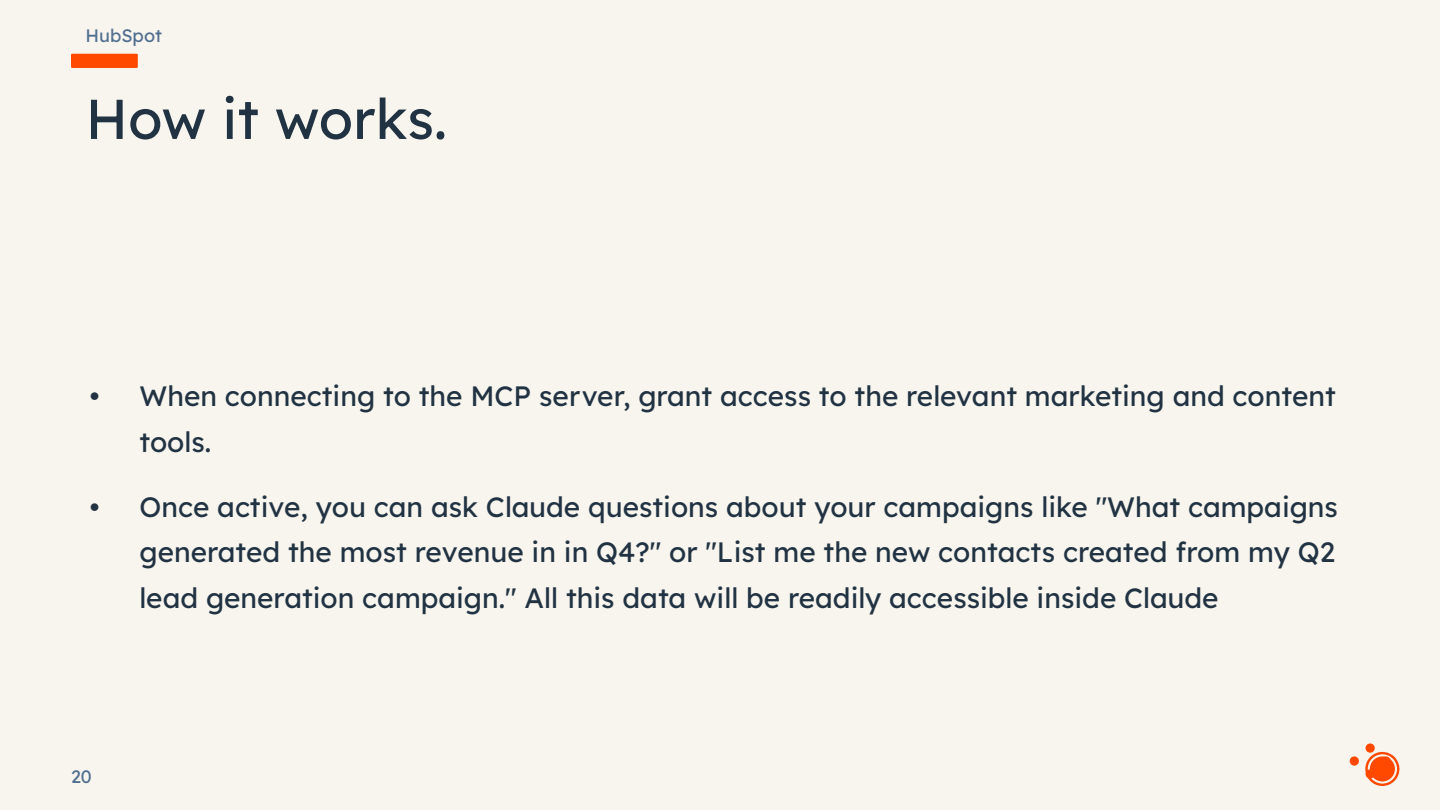
Owens demonstrated several real-world use cases using a pre-connected portal, showing how Claude can pull campaign performance data, generate charts and summaries, and even read the full HTML content of published landing pages to propose improvements or new content ideas.
- Performance analysis: Ask Claude to summarise Q1 campaign performance — it returns contact generation figures, influenced contact counts, revenue numbers, and identifies top and under-performers with data-driven reasoning.
- Contact segmentation: Drill into which contacts a campaign generated and ask Claude to group or segment them by attributes available in HubSpot.
- Asset-level reporting: Query the metrics for landing pages, e-mails, and other assets tied to a campaign over a specific time window.
- Content analysis and ideation: Claude reads published page content, identifies patterns across top-performing assets, and proposes themes and structures for future landing pages.
- HTML-level inspection: Claude can parse the underlying HTML of pages to find formatting issues, structural patterns, or optimisation opportunities.
Authentication, Permissions, and Roadmap
Each individual user must complete their own OAuth flow when connecting their HubSpot portal to Claude, granting explicit permission for the tools they wish to expose. The connector respects existing HubSpot permissions, so users only see data they are authorised to access.
- Claude: Marketing objects (campaigns, landing pages, website pages, blogs) launching 14 April 2026 at Spring Spotlight.
- ChatGPT: Same capabilities coming shortly after Claude, with a separate launch date to be confirmed.
- Breeze (native HubSpot): Planned so that users who prefer to stay within HubSpot can access the same AI-driven analysis and content capabilities.
- Write access: Currently read-only; the team is exploring the possibility of creating content (e.g. landing pages) directly from Claude or ChatGPT back into HubSpot in the future.
Summary: The Five Pillars of Campaign Completeness
Owens closed the workshop by recapping the five pillars of the Q1 2026 campaign investment, positioning them as the foundation for more ambitious AI-first marketing innovation throughout the rest of the year.
- CRM Impact: Direct associations between campaigns and contacts, deals, tickets, and custom objects — eliminating workaround lists and manual attribution.
- Portfolio Roll-ups: Folder-based hierarchies and multi-campaign reporting for aggregated performance analysis.
- 1:Many Associations: Marketing e-mails can now belong to multiple campaigns; other asset types to follow in Q2.
- Workflow Automation: Campaigns as first-class workflow objects, plus influenced-contact triggers and campaign-based lists.
- Claude / AI Integration: MCP server connector bringing marketing data into Claude (and soon ChatGPT and Breeze) for analysis, segmentation, and content ideation.
Questions & Answers
Q: Can a campaign exist in more than one folder at the same time?
A: No. Currently a campaign can only reside in one folder at a time. If moved to a new folder, it leaves the previous one. The suggested workaround is to clone the campaign and place the clone in the second folder, which would allow it to appear in both folder-level reports.
Q: If we clone a campaign, does it carry over all associated contacts, objects, and targets?
A: The audience suggested this as a workaround, and Owens acknowledged it would be the best approach for now. Cloning would allow the campaign to appear in multiple folder roll-ups for separate reporting.
Q: Is bulk association via import supported — for example, importing a list of deals from a CSV and associating them to a campaign?
A: Not currently. The campaigns object is not yet supported in HubSpot's import flow. Contacts can be imported and then bulk-associated to campaigns from the listing page or via a workflow action (static list enrolled into a workflow with an "associate to campaign" step). Owens flagged this as a gap to take back to the product team.
Q: If a contact is associated to a campaign and a deal is subsequently created from that contact, does the deal automatically associate to the campaign as well?
A: No, not in the current beta. All associations are manual for now. The team is exploring automatic cascading associations — where associated objects of an already-associated record could inherit the campaign link — but this requires careful rule-setting to determine when it should and should not happen.
Q: Can sales message templates be associated to campaigns?
A: Not at present. Sequences can be associated to campaigns (found under the Automation category in the campaign asset menu), but sales templates do not currently have a campaign association. Owens offered to discuss the specific use case further after the session.
Q: Is the CRM associations feature (contacts, deals, tickets) available in all Marketing Hub tiers?
A: All features discussed are available to Marketing Hub Pro and Enterprise customers who use the campaigns tool.
Q: When will the marketing objects be available in the Claude MCP connector?
A: At Spring Spotlight on 14 April 2026. The core CRM connector is already live today. ChatGPT support will follow shortly after Claude, and native Breeze support inside HubSpot is also planned.
Q: Will write access from Claude/ChatGPT back into HubSpot be supported?
A: Not at launch — the initial release is read-only. However, the team is actively exploring the ability to create content (e.g. landing pages) directly from these AI tools back into HubSpot in the future.

.jpg?width=1200&length=1200&name=HUG%20Dublin%20-%20OCT%202025-070%20(1).jpg)


