Q&A:
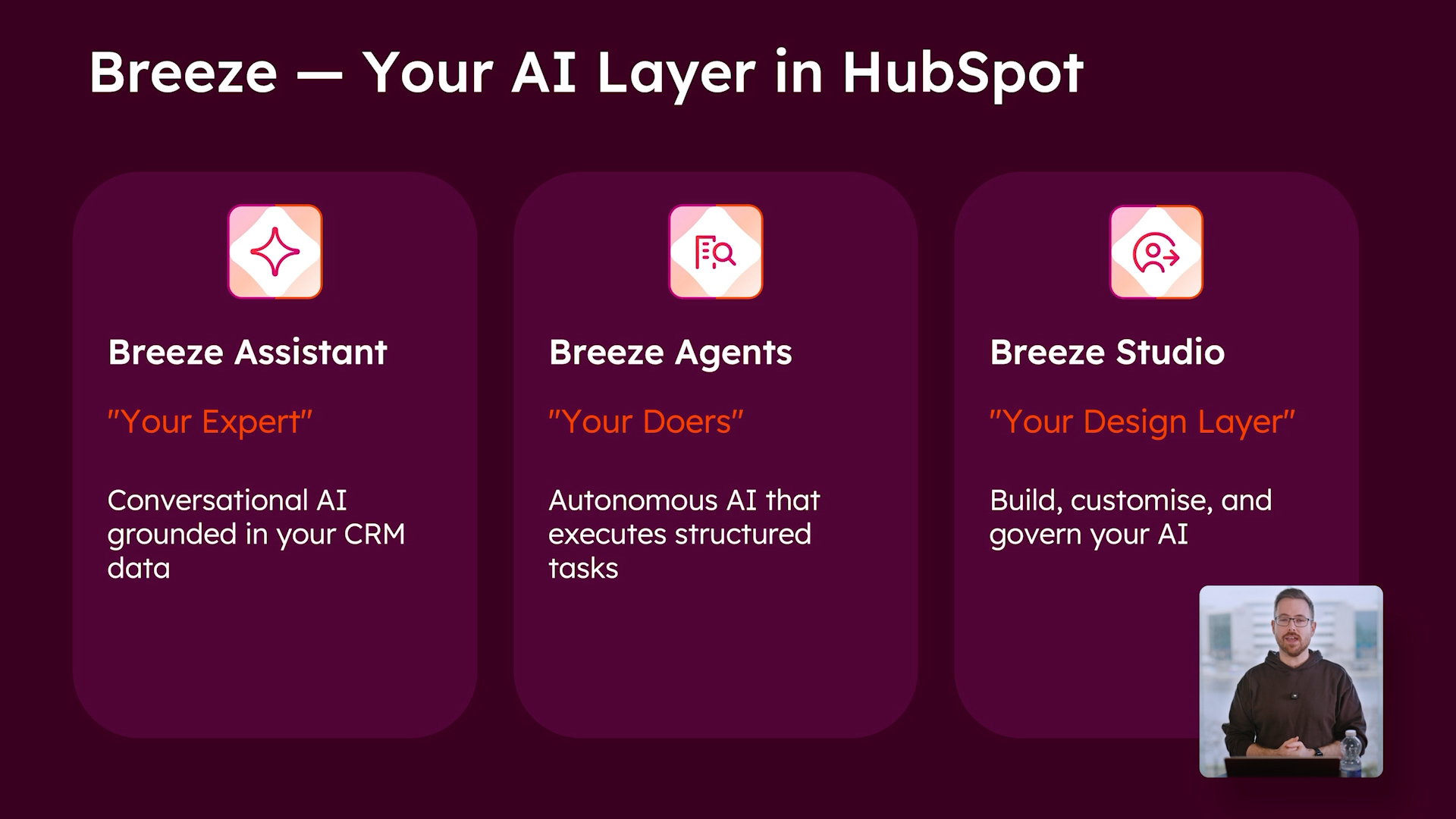
The Q&A focused on practical setup questions from teams already exploring Breeze Studio, Breeze Assistant, and agents in their portals. Topics included what agents can access, how to use transcripts, how credits work, and how to approach adoption when you are early in your Breeze journey.
How much context can agents access in a portal, and can they help with HubSpot CMS work, like building pages?
Agents and assistants can access significant context within a portal, depending on permissions and the tools enabled. For CMS work, Shay recommended using HubSpot’s built-in AI creation flows within the content tools, since those are designed specifically for tasks like creating pages and applying the right structure and context.
Can I use Breeze to work with call transcripts attached to CRM activities?
Yes, especially when transcripts are generated within HubSpot. Shay highlighted that agents can use tools like call transcript summarisation when enabled, and assistants can surface supporting details with citations when you ask questions in Breeze Assistant.
How do Breeze credits work across Breeze Assistant, custom assistants, and agents?
Breeze Assistant does not use credits. Many marketplace agents are free while in public beta, while some specific agents may be credit-based. The clearest guidance is to check each agent’s listing for pricing and credit details.
What is the simplest way to get started if we have not used Breeze much yet?
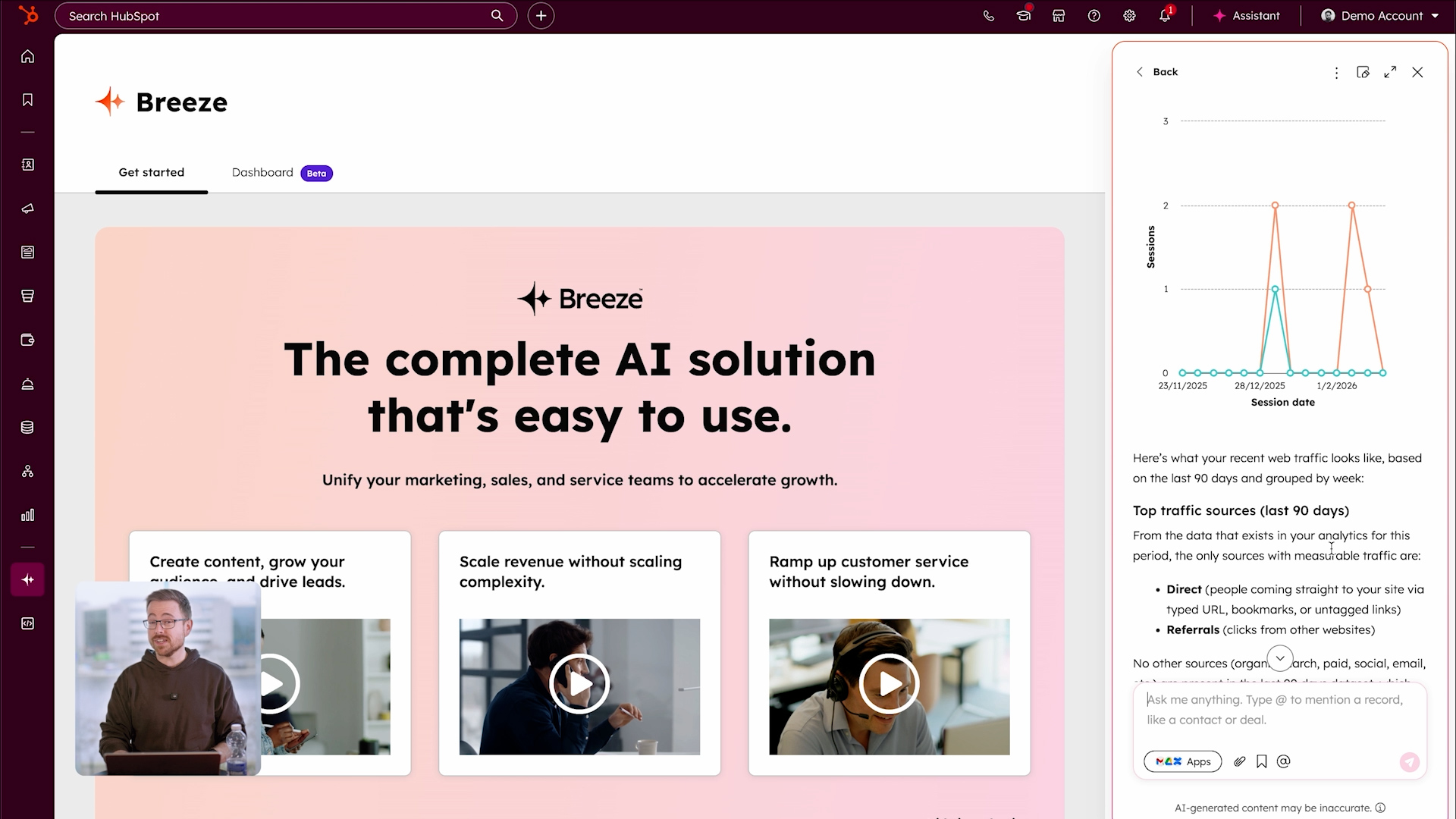
Shay’s recommendation was straightforward: start in Breeze Assistant and ask it how to get value based on your portal, your permissions, and the tools available to you. Because it has account context, it can guide you toward relevant first steps without generic advice.
We used a tool like Apollo for website visitor insights at company level. Can HubSpot support similar visibility?
Shay pointed to HubSpot’s intent and website visitor insights capabilities, which can show company-level context for visitors. You typically will not get personal contact details unless someone converts, but you can use these insights to guide prioritisation and follow-up.
Can we control what the Company Research Agent looks for, based on our workflow?
Yes. Shay explained that agent configuration supports additional custom instructions, so you can tell the agent what specific signals to look for and what outputs to produce. Once configured, that standard becomes repeatable for anyone running the agent.
We use Fireflies for call recording and summaries. Can agents pull from that content and update HubSpot?
Shay did not confirm a direct Fireflies integration. He highlighted that Breeze can connect to a growing list of apps and knowledge sources, and that tool access and integrations are the path to expanding what assistants and agents can reference.
Can agents help with data hygiene and data quality?
Shay suggested exploring agent-based approaches and using Breeze Assistant to get HubSpot-specific recommendations based on best practices. He also referenced that dedicated data-focused agents, like the Data Agent, and workflows are a strong fit for structured hygiene tasks when the right triggers and tools are available.
Claude has a HubSpot connector. What is the advantage of Breeze?
Shay’s view was to try both and compare for your needs. The differentiator for Breeze is that it is built into HubSpot, grounded in your portal context, and designed to take actions inside the platform, not just generate answers.
Additional Q&A
These questions were submitted during the webinar, but we did not have time to answer them live. Below are short responses to help clarify how these scenarios work with Breeze and HubSpot.
Can Breeze help us build a specific sales funnel with Marketing Hub?
Yes. Breeze Assistant can help you plan the funnel, draft the assets, and translate your funnel logic into workflows inside Marketing Hub, from first touch through nurturing, qualification, and handover to Sales. It works best when paired with clear lifecycle stages, lists, and workflow triggers so the funnel runs consistently.
Are those apps already connected to your account, or can Breeze connect with other apps?
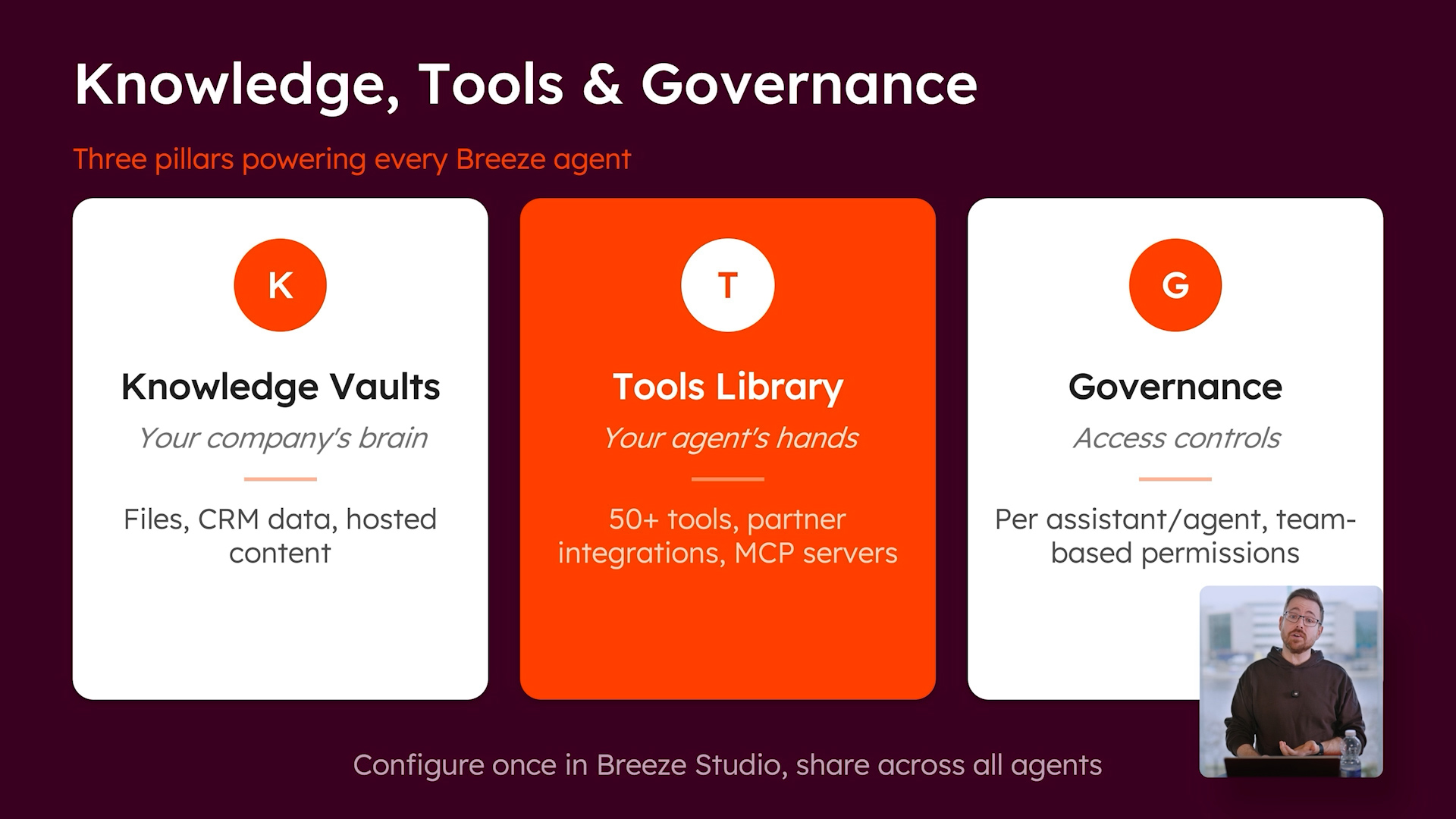
Both. Breeze can use data from apps already connected to your HubSpot portal, plus “for Breeze” marketplace apps that add searchable sources for Breeze Assistant, and tools configured in Breeze Studio that let assistants or agents take actions via integrations or APIs.
If we integrate Granola or Fathom meeting notes, are these visible to Breeze?
Yes, if the notes are logged in HubSpot as engagements (notes, meetings, calls, emails) on the relevant record. Breeze can use the activity timeline on the HubSpot record; if the notes stay only in an external calendar or tool and never sync into HubSpot, Breeze cannot see them.
We use Salesforce as our CRM. Can agents analyse follow-up gaps using Salesforce data synced into HubSpot?
Yes, as long as the Salesforce fields and activity signals you care about are actually synced into HubSpot. Agents cannot query Salesforce directly, but they can filter and analyse HubSpot records and properties that originate from Salesforce to flag leads with no activity, no follow-up, or stale stages.
What common mistakes do travel or service-based companies make when scaling HubSpot from sales CRM into operations?
The biggest mistakes are forcing everything into a single deal pipeline, relying on informal handoffs, and tracking service delivery in tasks or notes rather than a proper operations structure. A cleaner setup keeps Deals for sales, uses Tickets or a dedicated object for delivery, and automates the handoff at Closed Won with clear stages, ownership, and reporting.
What happens when Breeze Studio leaves beta? Will agents use credits?
Expect some agents to use HubSpot Credits at GA, but it will not be a single rule for everything. Credit usage is defined per agent, and the source of truth is the Pricing section on each agent’s marketplace listing, since some remain free while others are explicitly credit-based.





.jpg?width=1200&length=1200&name=HUG%20Dublin%20-%20OCT%202025-070%20(1).jpg)


