
Laurie Qian
GROP PRODUCT MANAGER, APP PLATFORM @ HUBSPOT
Laurie Qian came to product management by way of software development, and that technical foundation shapes how she builds today.


GROP PRODUCT MANAGER, APP PLATFORM @ HUBSPOT
Laurie Qian came to product management by way of software development, and that technical foundation shapes how she builds today.

GROUP PRODUCT MANAGER @ HUBSPOT
Sejal Parikh is a Group Product Manager at HubSpot focused on how AI agents connect to and operate business software.
 Laurie Qian and Sejal ParikhBuild Trust Through Storytelling in a Skeptical World
The word builder no longer belongs exclusively to developers. For most of the CRM era it did: you had an idea, you filed a ticket, and then you waited for prioritisation — sometimes for years, and often for something that was only ever going to serve one team for one quarter. The argument running through this keynote is that the waiting room should close. Building should happen “without prioritisation or the wait”, and, as the speaker put it plainly, “all of you in this room have the potential to be builders”.
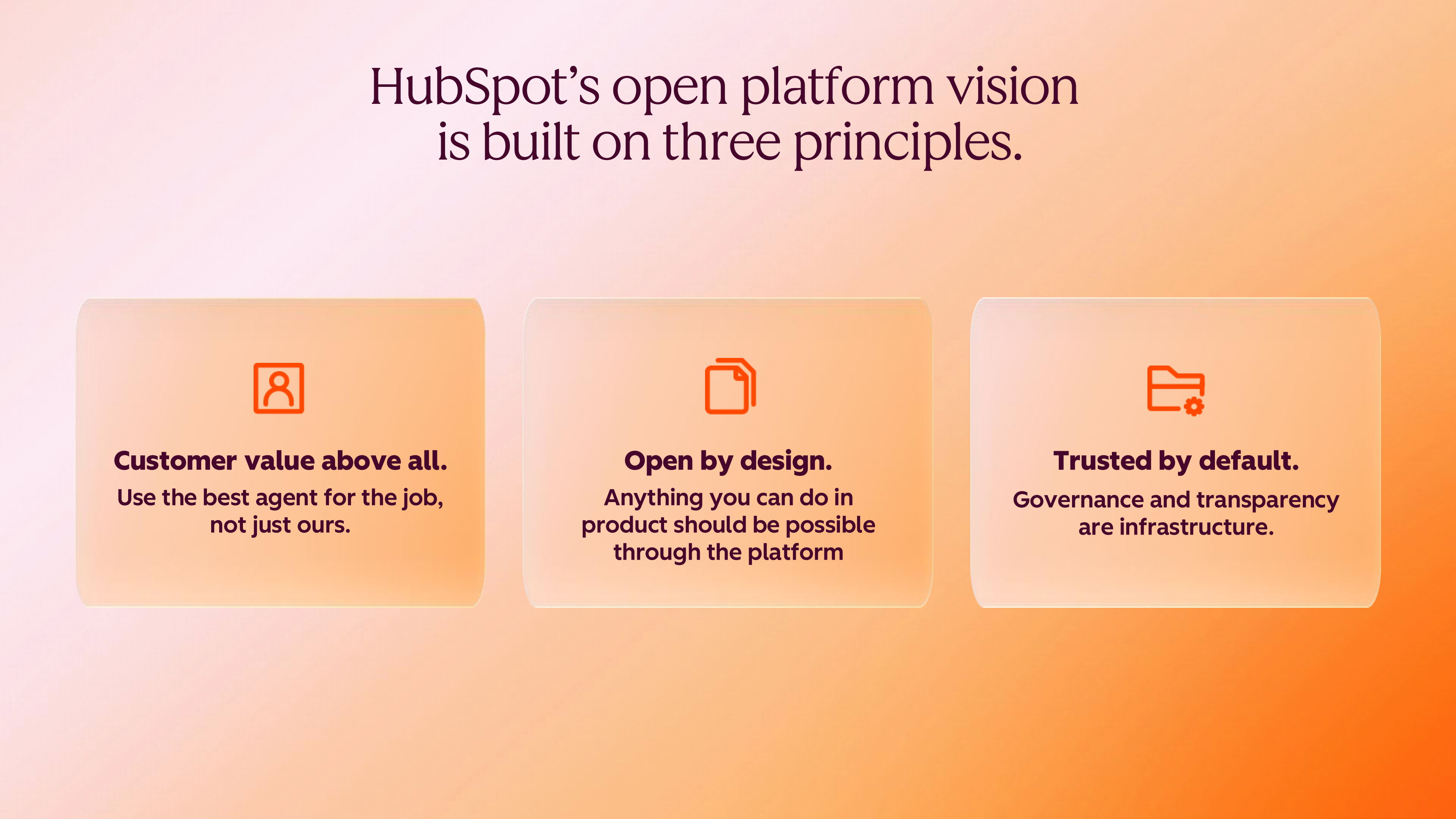
That ambition is only credible if three things are true at once: agents can operate HubSpot from wherever they live; builders — and the agents working alongside them — can extend HubSpot without breaking it; and the whole arrangement sits on foundations an enterprise administrator can actually defend. Those three areas formed the spine of the session, and they are worth reading as one continuous argument rather than three feature lists.
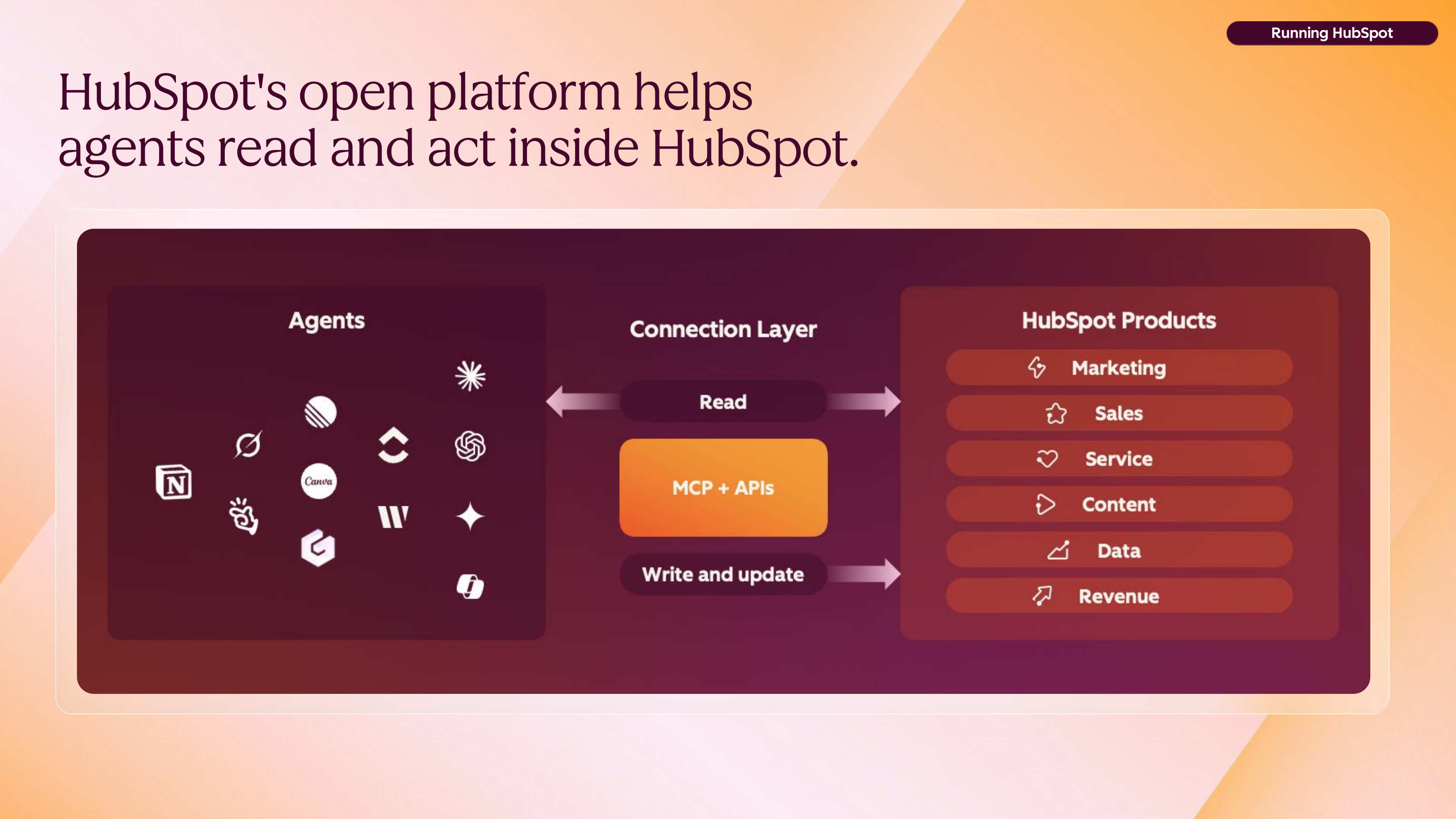
Headless CRM is treated here not as a niche architectural preference but as a genuinely big shift in where work happens. If the record system can be read and acted upon from outside its own interface, then the interface stops being the product and starts being one surface among many. HubSpot's claim is that it saw this coming: it says it was the first CRM to launch an MCP server, in April 2026, at a point when most of the room had not heard of MCP at all. There is a wry note in the retelling — back then the job was to educate people about the protocol, whereas “today everybody knows it”.
The explanation offered for MCP — the Model Context Protocol — is deliberately unglamorous: it is “a common language for agents to connect with anything”, the USB-C port of the agent era. If your device has the port, you plug in and get on with it. That framing matters, because it reframes integration from a bespoke engineering project into something closer to a connection standard.
Three conduits now carry agents into HubSpot: the MCP server, an agent-facing SDK layer, and an ever-expanding set of REST APIs. And the MCP server is explicitly described as “just the beginning” — native capability is referenced as arriving within a couple of months. Where a partner brings its own agent and its own MCP server, that agent can be connected and used; HubSpot supplies the common language and the server.
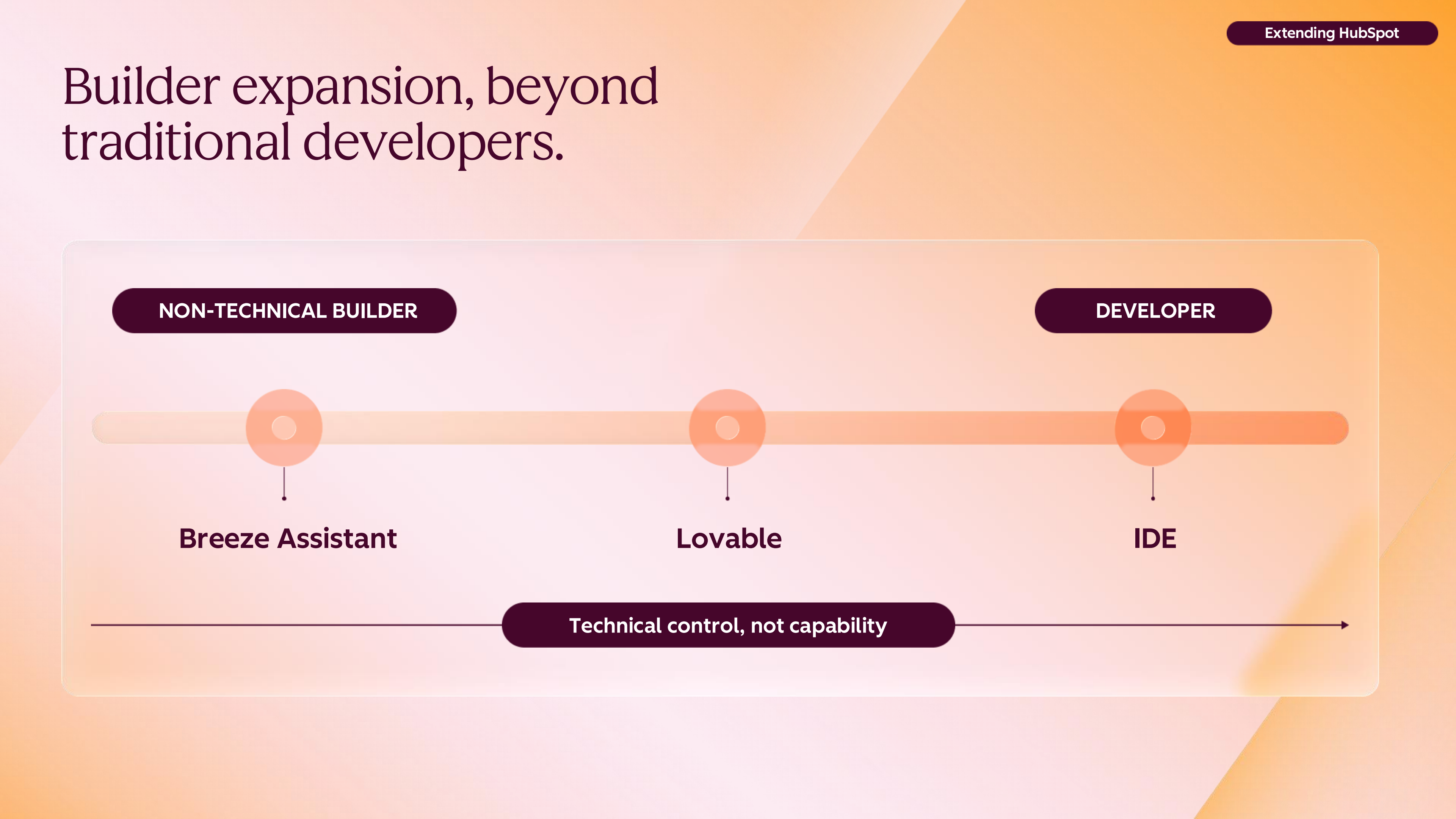
Democratising building is not the same as pretending everyone is an engineer. The model presented is tiered, and the honesty of the tiering is what makes it useful. At the first level sits Breeze Assistant, building inside HubSpot itself: easy to build with, simple to deploy, and with governance and security that are straightforward because they are inherited rather than invented. One step up in complexity are third-party builders such as Lovable, for people who want more control over the surface they are creating.
Professional developers remain firmly in the picture, and the keynote is clear about when they are the right answer: where a solution must scale, where it is genuinely complex, or where it needs to endure. The distinction being drawn is between software that has to last and software that simply has to help.
“Not everything worth building needs that. If you can solve your team's problems today, that's value.”
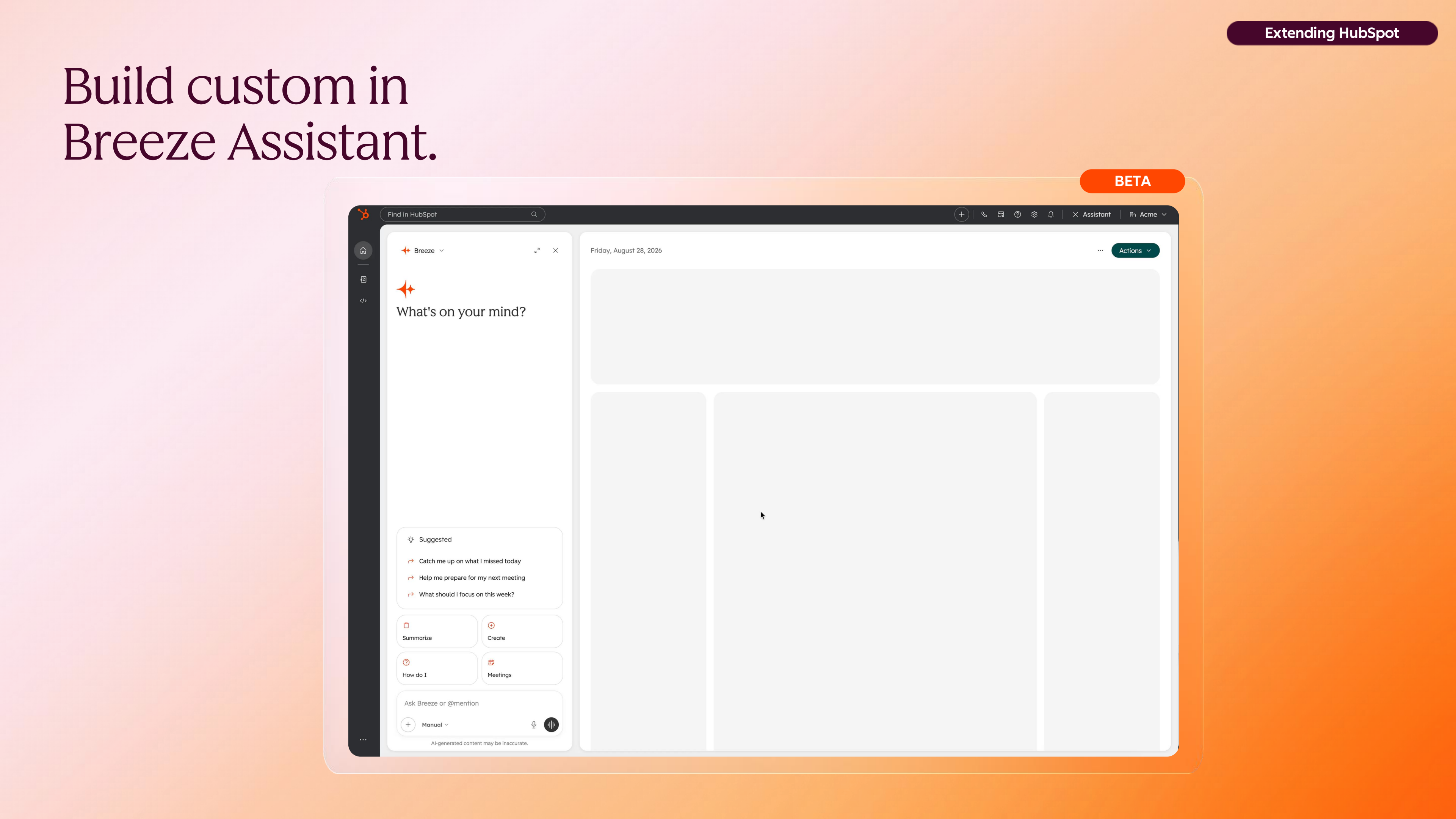
Breeze Assistant can already create custom views, and the newer capability shown on stage — currently in private beta — is building app pages powered by CRM data. The demo took the most ordinary situation imaginable and let it escalate naturally. A sales manager asks Breeze which deals are closing this month and haven't been touched in recent weeks. Useful. Then they ask again the next day, and the day after. At that point the question stops being a query and starts being a product: if you are asking it daily, your team probably needs it as a shared view.
So the manager asks Breeze to build a dashboard showing all deals closing this month with the last activity on each. What follows is the part that usually gets skipped in demos and matters most in reality: the install and permissions flow. The user installs the app to enable it, and that install step is what allows the app to act on behalf of whoever is viewing the dashboard. The connection runs on OAuth, described as the most secure way to maintain API connections.
Sharing works the same way: a colleague must install the app before they can view the dashboard, and crucially, they do not inherit the builder's line of sight. If an administrator builds a dashboard that spans data across the entire CRM, other users do not see what the administrator sees — each person receives their own permission-filtered view. The builder concentrates on the business problem; permissions, governance and auditability are handled underneath.
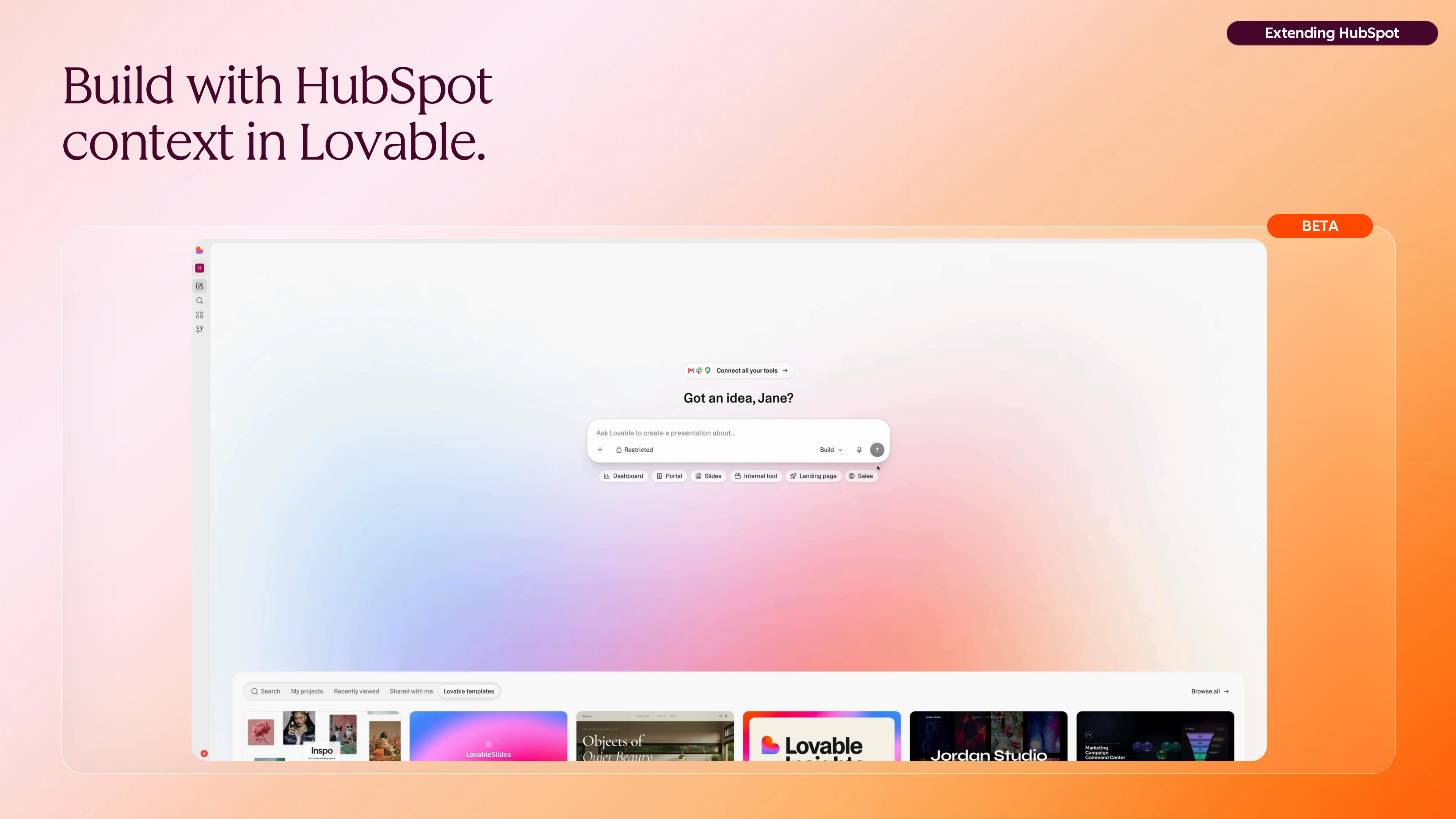
If the first tier is about building inside HubSpot, the second is about building elsewhere with HubSpot's context travelling with you. The HubSpot connector for Lovable currently supports read and write at user-level API scope, with access requested through the private beta listed in product updates. The significance is not the individual tool so much as the pattern: the context layer is portable, and the building surface is a choice.
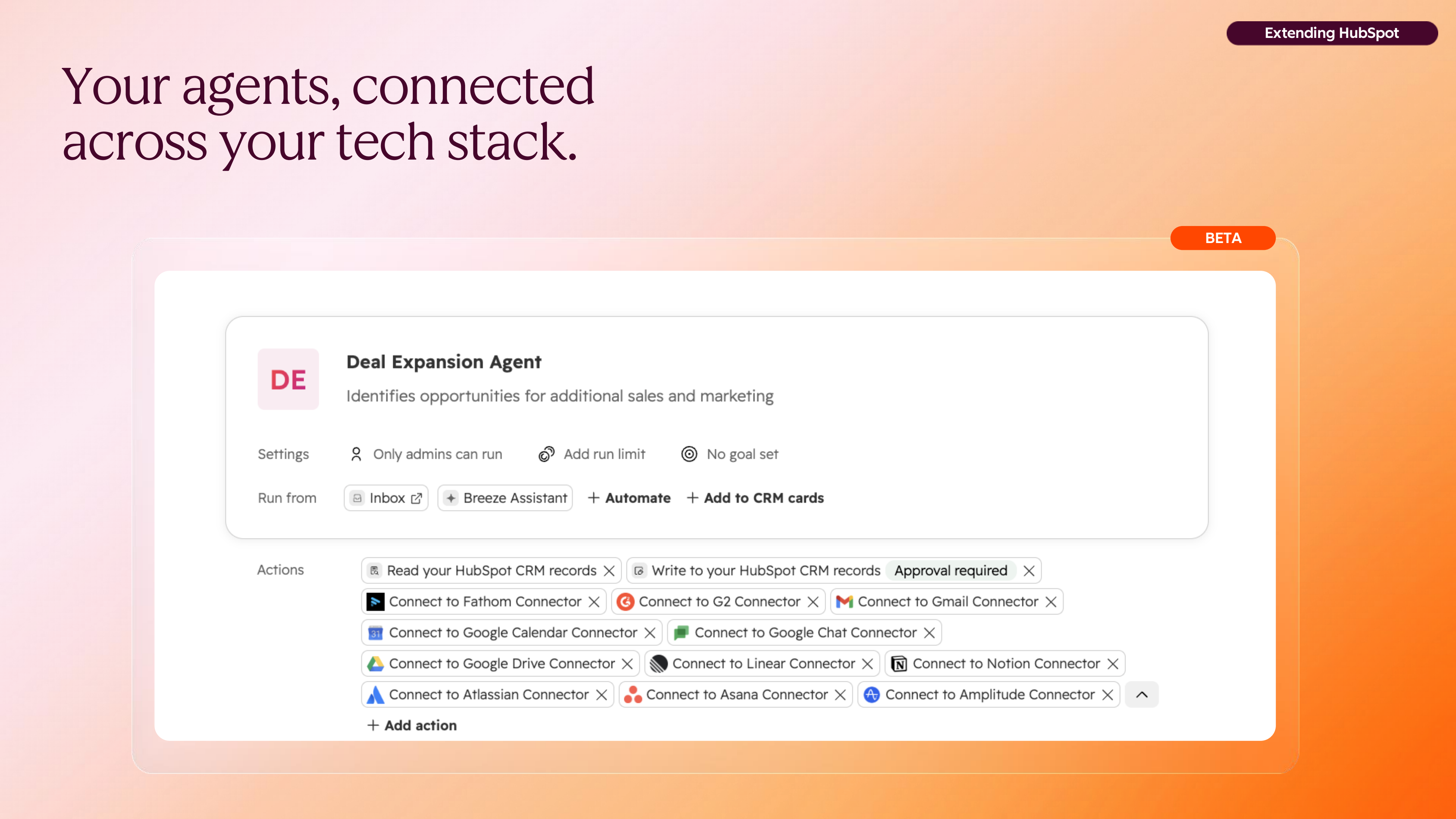
The same portability runs in the other direction. Custom agents built in HubSpot's agent builder can now work with context drawn from an expanding set of third-party tools over MCP, with 11 new connections announced, including Slack and Zoom. An agent that can see the deal, the thread and the call recording is a different proposition from one that can only see the record.
Administrators carry the risk of everything described above. What they asked for was not a bigger lock but a better dial: start small, grow progressively at their own pace, and keep control throughout. The stated design intent is generous and quietly clever — “we want to make it easier for you to say yes”.
App governance, announced this year, gives admins four levers: which apps are approved for the account, what data those apps can access, which users and teams can use them, and full rollback with no manual cleanup. The walkthrough used a typical connector rollout — connectors being user-level apps that most people in an account would install, with MCP reading and writing across data.
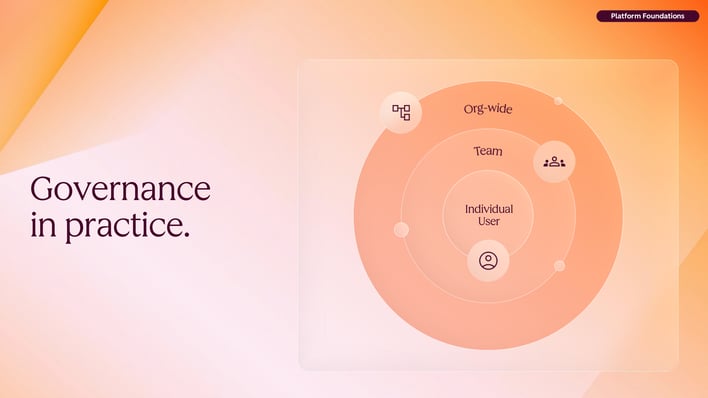
Progressive rollout only works if retreat is as easy as advance. If too many users or too much data access has been approved, removing user permissions and reducing data access causes HubSpot to automatically uninstall the connector for those users and downscale the remaining installs. No manual cleanup, no orphaned integrations quietly holding tokens they should no longer have.
Behind that sit the safety nets that make write permissions survivable. Many object changes made within the last 14 days can be restored, and deletes across numerous CRM object types can be restored within the last 90 days. Audit logs record changes against both the user and the app that made them — which, in an era where an agent may be the acting party, is the difference between an incident and a mystery.
“Every step is reversible, and you move at the pace that makes sense for…”
The stated ambition for what comes next is simple to say and demanding to deliver: every agent should be able to operate HubSpot with the same capabilities a user has in the interface. Not a reduced API subset, not a read-only mirror — parity. The scenario that follows from it is running the entire go-to-market life cycle from the agent of your choice, with sales, service and marketing workflows in play simultaneously.
Three expansions were signalled. The HubSpot context being built for agents, agent builders and extenders keeps growing. The surface areas agents can operate on are widening — more custom pages and dashboards, and more ways to bring data in. And the portfolio of connectable third-party platforms continues to expand, so that agents see real-time context and stay joined up with the systems teams already use.
Governance scales alongside autonomy rather than trailing it: more granular scopes, fine-grained policies, and scope controls at team and user level. The goal is stated as organisations being able to “adopt AI with confidence without compromising security”. Timelines and availability for these expanded surfaces, connectors and scope controls were not detailed in this segment — worth treating as direction of travel rather than a shipping schedule.
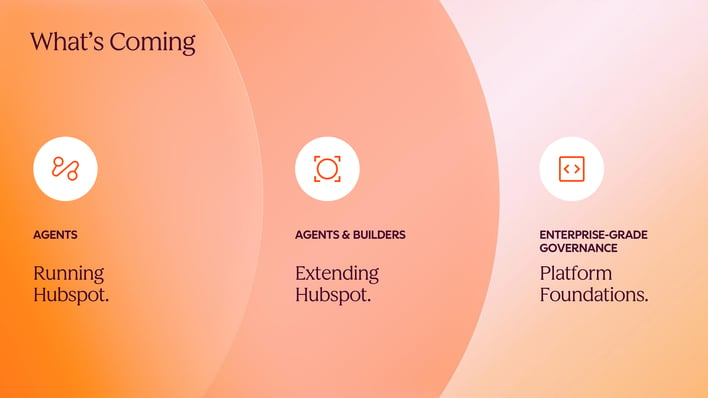
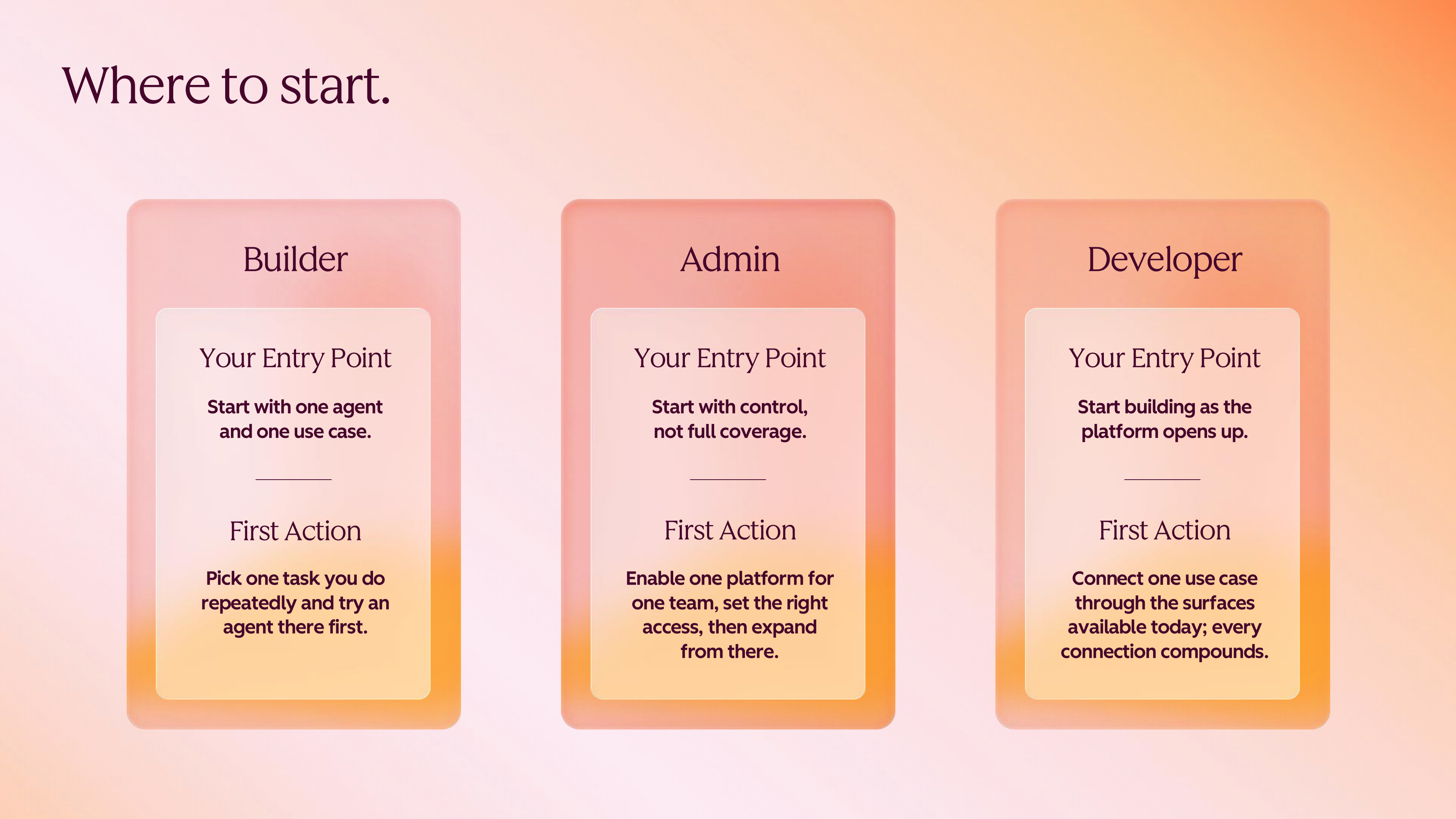
The closing note was practical, and it split the room by role rather than by seniority. Builders are pointed at Breeze Assistant and the things they can make today — custom views, and app pages powered by CRM data through the private beta. Administrators are pointed at app governance and the narrow-pilot pattern: approve a connector for a few users, limit the objects, watch the access requests, and widen from evidence. Developers are pointed at the conduits — MCP, the agent SDK layer and the REST APIs — where durability, scale and complexity genuinely justify the engineering.
Read together, these are less a set of product recommendations than a working agreement. Let people build the small things themselves. Let administrators grant trust incrementally and revoke it cleanly. Reserve professional engineering for the systems that have to outlive the quarter. The platform's job, on this telling, is to make each of those three choices safe.